What is the Hotel Lobby AI video generator?
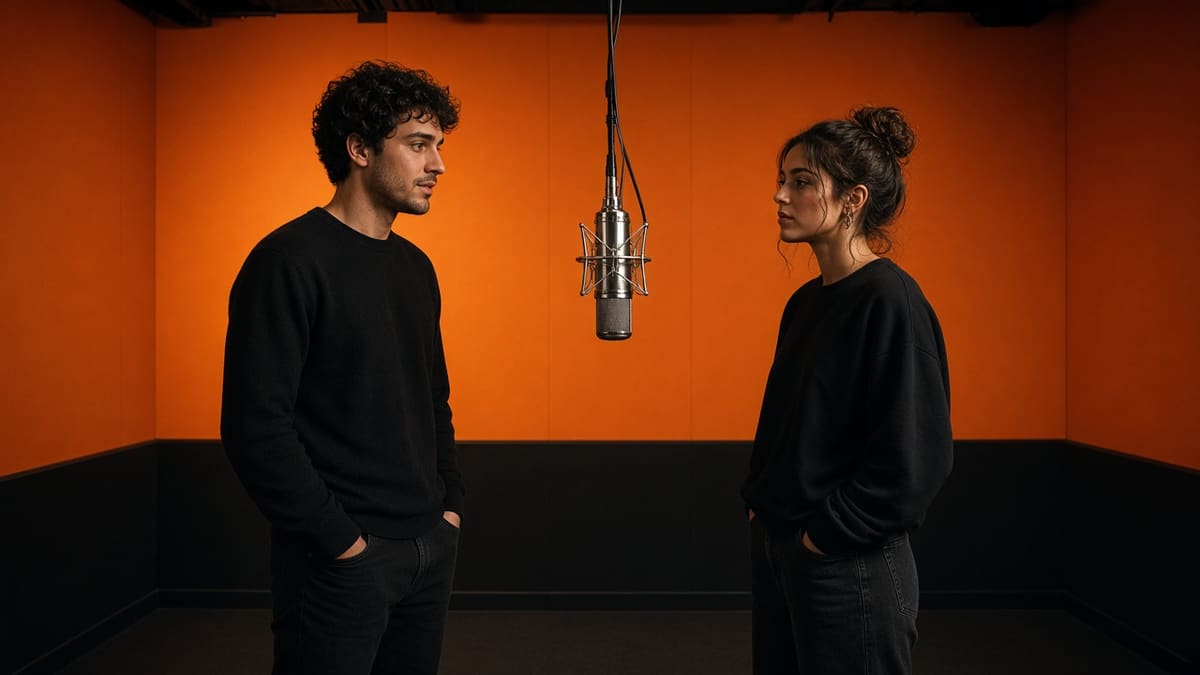
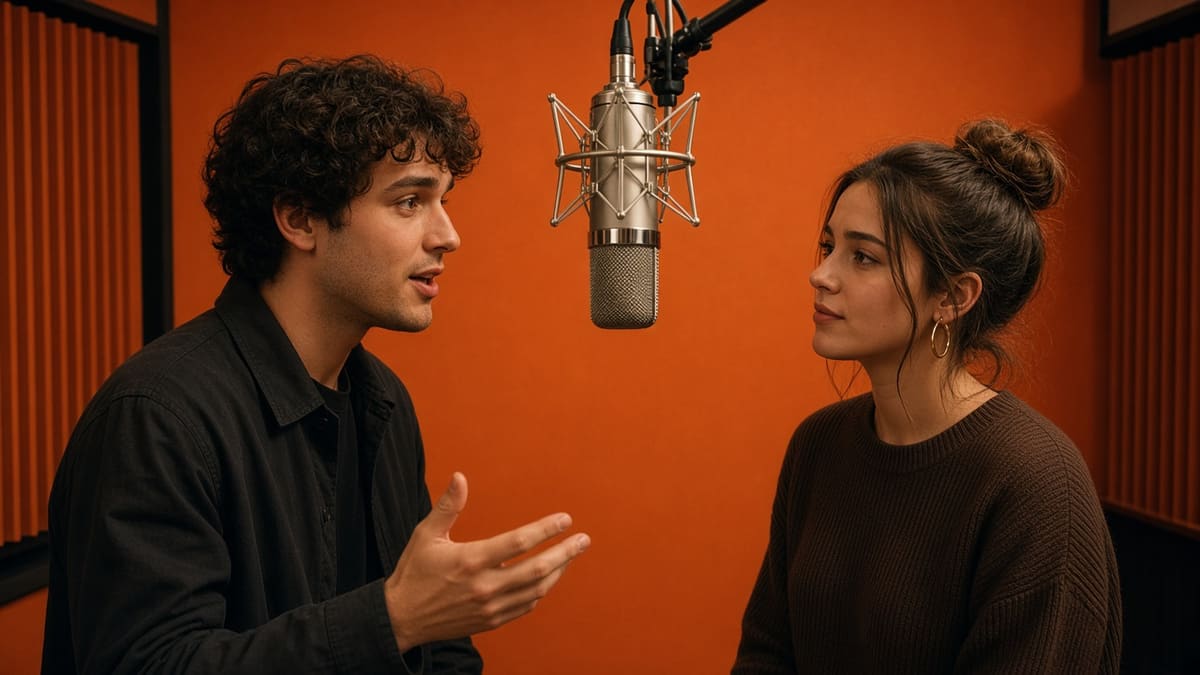
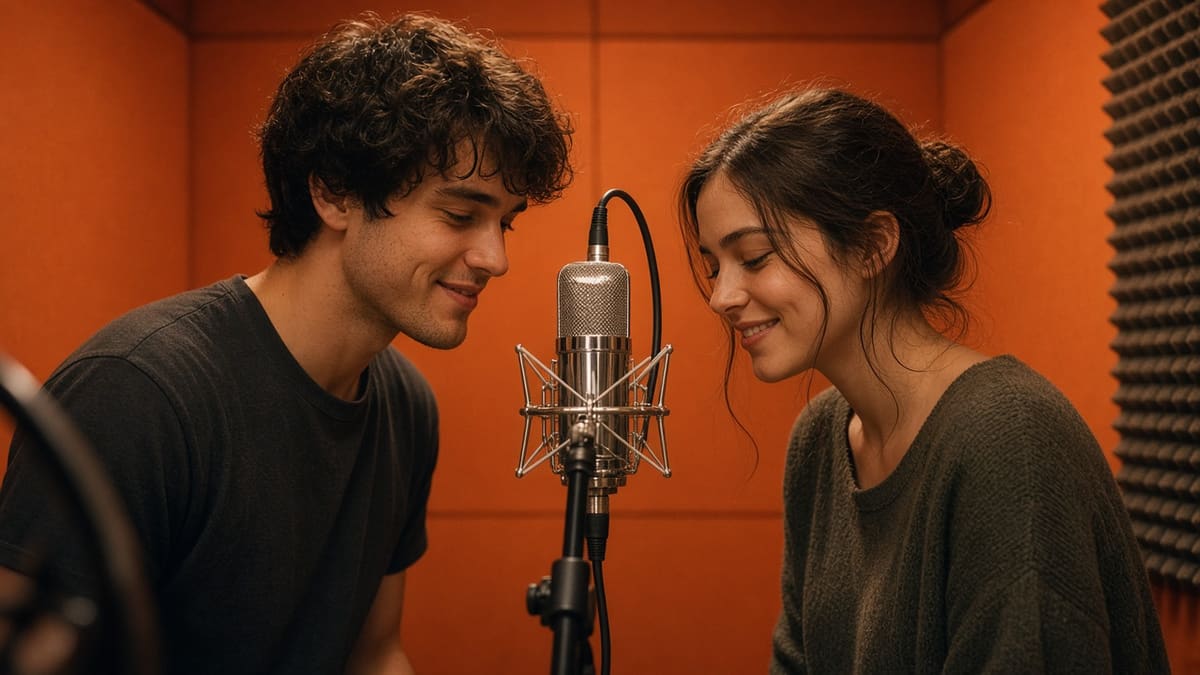
It is the form on this page. You describe two people in an orange booth with one hanging microphone, and Turbo, our in-house model, returns a short MP4 with generated audio. It is not a hotel-interior tour and it does not paste an existing music video.
How do two photos become a video?
Upload one person on the left and one person on the right, then press Generate. Turbo builds a new orange-booth clip with those two people and a new beat. It does not paste the original performance or the original song. A group photo in either box is a weaker lock than a single person. The hotel lobby ai video generator sends both photos only when the model is Turbo.
What photos work best?
Use a clear PNG, JPG, or WebP under 8 MB, one person per box, facing the camera, on a simple background. Skip group shots, tiny faces, and pictures you do not have the right to use. Leave both boxes empty if you only want the prompt.
Can I make a video with two people?
Yes. Say there are two people, where each one stands, and what they do with the hanging mic. Keep it to one handoff: the first person gestures, the second answers, then they share the last moment. A packed shot list falls apart in a short clip.
How do I download the video?
When the panel shows the finished clip, press Download. The file is an MP4. If you are signed in, the same clip is saved under My works so you can get it again after you leave the page.
How long is the video and how long does it take?
You pick 5, 10, or 15 seconds before you generate. A guest trial is 480p and 5 seconds. The render often takes under a minute and can run longer when the model is busy. The page shows a progress ring while you wait.
Which model can I use?
Leave the menu on Turbo. That is the self-hosted engine, and it includes audio at 480p or 720p. Two photos work on Turbo. Kling 3.0 Turbo is the paid model for 720p or 1080p and takes one opening frame. 1080p is not available on Turbo.
How many photos do I need?
None. A prompt is enough. One photo becomes the opening frame. Two photos, one person each, place those people on the left and the right. That two-photo path stays on Turbo.
Can I change the prompt?
Yes. Photos do not lock the box. With two pictures in place you can still change the clothes, the camera, the handoff, and the music. Write the style you want, such as an upbeat trap beat, slow piano, or lo-fi. Turbo writes a new track in that style. Do not paste copyrighted lyrics or ask for a released recording.
What is hotel lobby ai?
Hotel lobby ai is the orange-booth clip people are looking for: two people, a flat orange wall, and one microphone hanging between them. On this page you write that scene in the prompt and Turbo returns a short MP4. It is the same booth as the hotel lobby ai video generator, not a tour of a hotel interior.
What is hotel lobby song ai?
Hotel lobby song ai is that booth when the search is about the music. The audio here is generated with the picture: a new beat and short original lines. The hotel lobby ai video generator does not play the released recording or its lyrics. A prompt that asks for that recording is blocked and is not charged.
Is this an ai rap video generator?
An ai rap video generator usually starts from a rap you already recorded and builds a video around that file. This page does not accept an uploaded soundtrack. It makes the orange-booth handoff from a prompt, with two people trading short original lines over a new beat. Bring a finished track only if you plan to add it later in your own editor.
Can I use photos of other people?
Only if you have their permission. A clear photo of someone you know can be the opening frame. Do not upload a stranger, a celebrity, or a person who cannot agree. The tool blocks explicit and abusive prompts before it bills you.
Do I need video editing experience?
No. There is no timeline and no plugin. You write the shot, pick the length, and press Generate video. Portrait, landscape, and square are buttons on the form. The guest default is landscape until you tap another shape.